
About the centre
Published/last updated: 02.11.2026.
This article uses every content block the editor offers, so you can see how each one looks on the site. The text explains each block as it goes.
Headings
The article title comes from the Title field above the content. Inside the content there are two heading levels: Heading 2 for the main sections of an article, like the one above, and Heading 3 for smaller sub-sections, like the one below.
A Heading 3 looks like this
Paragraphs are plain text. Press Enter to start a new paragraph, and use the eraser button in the toolbar to clear formatting from selected text.
Text formatting
Text can be bold, italic or both at once. Links look like this: the ZAAO website (an outside address), the news list (a page on this site, chosen from a list) and a sample programme (PDF) (a file picked from the asset library).
Lists
A bulleted list for items without a particular order:
Outdoor lessons for preschool and school groups
Guided tours of the Daibe regional waste management centre
Laboratory work where every participant tests water, soil and air samples and records the results in their own worksheet
A numbered list when the order matters:
Choose a programme from the calendar
Fill in the registration form
Receive a confirmation by e-mail
Quote and divider
A quote stands out with a green bar on the left. Add the name of the person quoted in the paragraph after it if needed:
Environmental education works best when you can see, touch and experience it. This is sample text showing how a quote looks on the page.
A divider is a thin green line that separates parts of an article. There is one right below this paragraph.
This paragraph comes after the divider.
Images
The main photo at the top comes from the Image field. Inside the content, the image button inserts a full-width photo like the one below. Always add alternative text so screen readers can describe it.
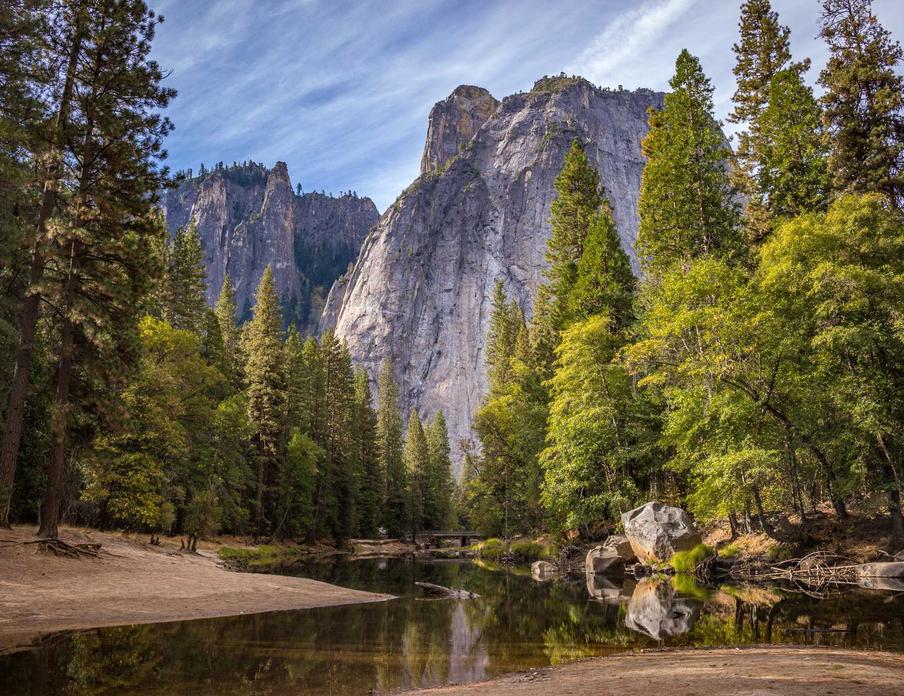
A gallery shows the first three photos in a grid. When there are more, the third tile shows how many are left. Click any tile to open the photo viewer, which has arrows, keyboard controls and swipe on phones.
Buttons
A button links to a page on this site or to an outside address:
With the Download option switched on, the button shows a download icon and saves the linked file instead of opening it:
Video and embeds
The video block takes a YouTube or Vimeo link and shows the player:
The embed block takes embed code copied from another service, for example a Google Map or a social media post:
That is everything
Every block can be moved up or down, duplicated or deleted from its own menu in the editor. Headings, formatting, lists, links, images, dividers and quotes come from the toolbar; buttons, galleries, videos and embeds are added with the plus button between paragraphs.